NEW
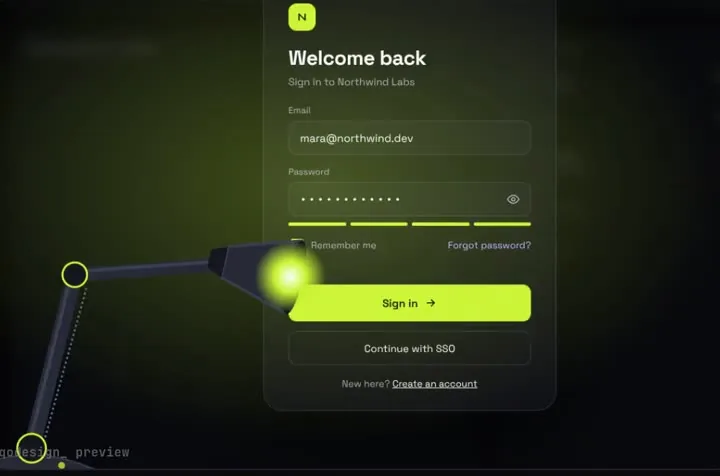
A sign-in page in the dark: a desk lamp finds each field and floods the screen when you sign in.
Drop a piece into your repo, point goose at its PROMPT.md, and keep the timings safe with one line in AGENTS.md.
goose is an open-source AI agent (Apache 2.0 on GitHub) that runs on your own machine as a desktop app and a CLI on macOS, Linux and Windows, with the model provider of your choice. Its docs say it has moved to the Agentic AI Foundation (AAIF). With the Developer extension on, it reads AGENTS.md and .goosehints by default, from your working folder up to the repo root, and loads the ones in subfolders as it works in them. A global ~/.config/goose/.goosehints applies to every session, and the CONTEXT_FILE_NAMES setting adds other files such as CLAUDE.md. Source: goose docs: providing hints, goose docs: environment variables, goose docs: installation, aaif-goose/goose on GitHub.
A sign-in page in the dark: a desk lamp finds each field and floods the screen when you sign in.
A glass drop magnifies the tab under it, stretches between tabs and bursts into the player.
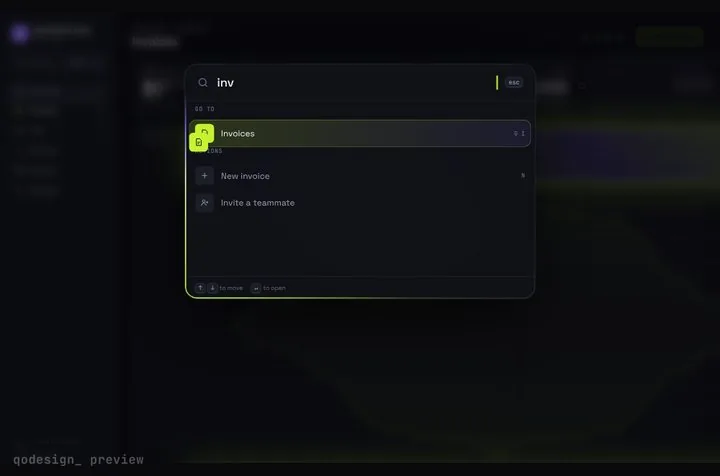
A whole SaaS app you drive from ⌘K: rows stretch into pages, coins fly into the total.
npx shadcn@latest add https://teodoravadani.github.io/qodesign-free/r/toast-stack.jsonnpx shadcn@latest add https://teodoravadani.github.io/qodesign-free/r/pricing-switch.jsonnpx shadcn@latest add https://teodoravadani.github.io/qodesign-free/r/upload-dropzone.jsonnpx shadcn@latest add https://teodoravadani.github.io/qodesign-free/r/day-night-toggle.jsonnpx shadcn@latest add https://teodoravadani.github.io/qodesign-free/r/orbit-dashboard.jsonnpx shadcn@latest add https://teodoravadani.github.io/qodesign-free/r/ledger-dashboard.jsonPaid pieces start at $3 each, or get every one with the Shelf for $29, once.
All comparisons, with prices read on each library's own site.
Yes. goose's docs say it looks for AGENTS.md and .goosehints by default, from your working folder up to the repo root, once the Developer extension is on. Other names like CLAUDE.md can be added with CONTEXT_FILE_NAMES.
No. goose is open source under Apache 2.0, and the pieces don't care which model you connect to it. What you pay for model use depends on the provider you pick.
Yes. Six pieces are free under the MIT licence and install with one shadcn command. The Day / Night toggle is also on the free code page.
Yes. The licence covers personal, commercial and client projects. You can't resell the source code itself.