NEW
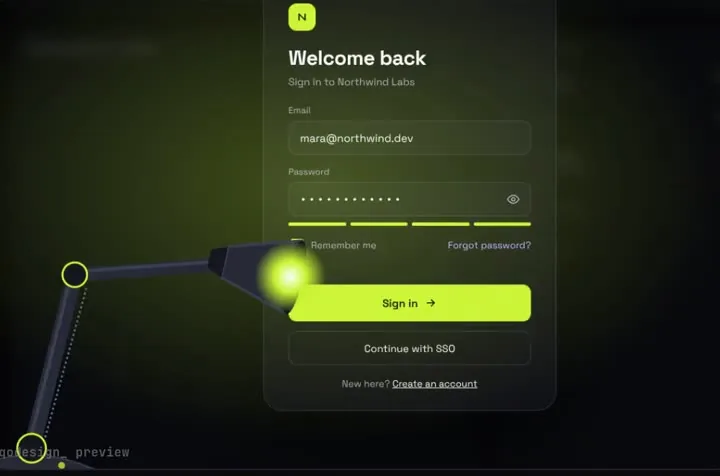
A sign-in page in the dark: a desk lamp finds each field and floods the screen when you sign in.
Bolt gets the app running. These pieces give it a login, checkout or toast that people actually notice.
Bolt's docs say it only builds JavaScript-based apps, and you can upload code files as context for the agent (5 files at once and 10 MB each on the free plan). Our pieces are React + TypeScript files, so they're a direct fit. Source: Bolt: supported technologies, Bolt: attach files.
A sign-in page in the dark: a desk lamp finds each field and floods the screen when you sign in.
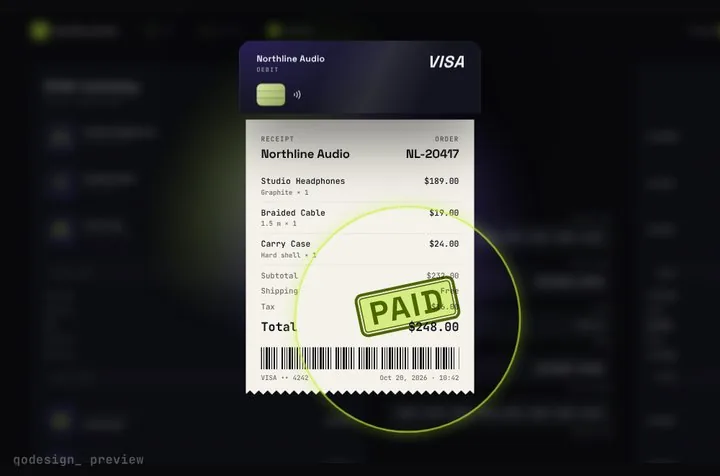
Your card becomes the receipt: it splits, unrolls into paper and gets stamped PAID.
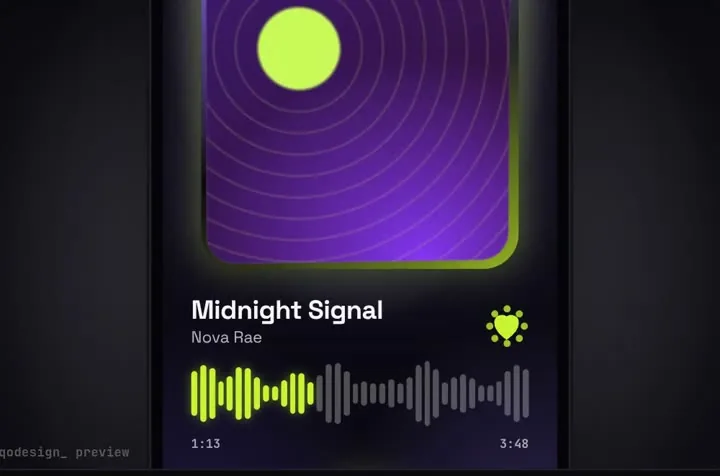
A glass drop magnifies the tab under it, stretches between tabs and bursts into the player.
Free pieces also ship as the qodesign-free npm package. Install it, then copy the file below.
npm i qodesign-free framer-motionsrc/App.tsx
import { Toaster, toast } from "qodesign-free/toast-stack";
import DayNightToggle from "qodesign-free/day-night-toggle";

const fakeSave = () => new Promise((resolve) => setTimeout(resolve, 1200));

export default function App() {
  return (
    <main style={{ display: "grid", gap: 24, placeItems: "center", minHeight: "100vh" }}>
      <DayNightToggle width={160} onChange={(night) => document.documentElement.classList.toggle("dark", night)} />
      <button
        onClick={() =>
          toast.promise(fakeSave(), {
            loading: { title: "Saving..." },
            success: () => ({ title: "Saved", description: "Your changes are live." }),
          })
        }
      >
        Save
      </button>
      <Toaster />
    </main>
  );
}
Each import path loads only that component's CSS, so you don't need any Tailwind setup for these two.
Paid pieces start at $3 each, or get every one with the Shelf for $29, once.
All comparisons, with prices read on each library's own site.
Both. The components are plain React. A "use client" line at the top of a file is a Next.js hint, and Vite ignores it.
It can, if you ask it to restyle. PROMPT.md tells the agent to keep the timings and easing as they are, so start with that prompt before asking for changes.
Yes. Six pieces are free under the MIT licence and install with one shadcn command. The Day / Night toggle is also on the free code page.
Yes. The licence covers personal, commercial and client projects. You can't resell the source code itself.