NEW
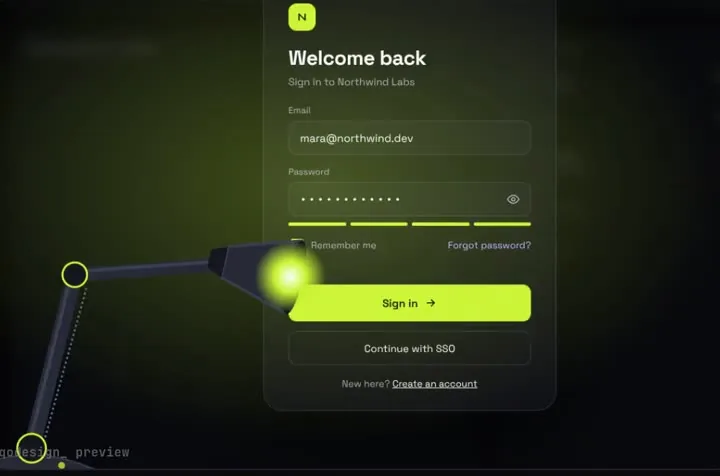
A sign-in page in the dark: a desk lamp finds each field and floods the screen when you sign in.
Drop a piece into your repo, hand Aider its PROMPT.md as a read-only file, and keep the timings safe with one line in your conventions file.
Aider is an open source AI pair programmer that runs in your terminal, on your own git repo. It's free under Apache 2.0 and you bring an API key for the model you want to use. You install it with pip (python -m pip install aider-install, then aider-install) or a one-line install script. Its docs say the way to give it your rules is a small markdown file such as CONVENTIONS.md, loaded read-only with /read or --read, or always loaded through .aider.conf.yml. Source: Aider home, Aider docs: installation, Aider docs: specifying coding conventions, Aider-AI/aider on GitHub.
A sign-in page in the dark: a desk lamp finds each field and floods the screen when you sign in.
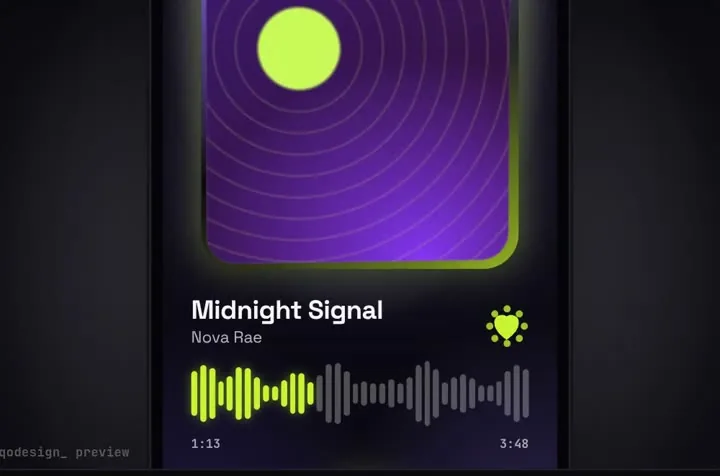
A glass drop magnifies the tab under it, stretches between tabs and bursts into the player.
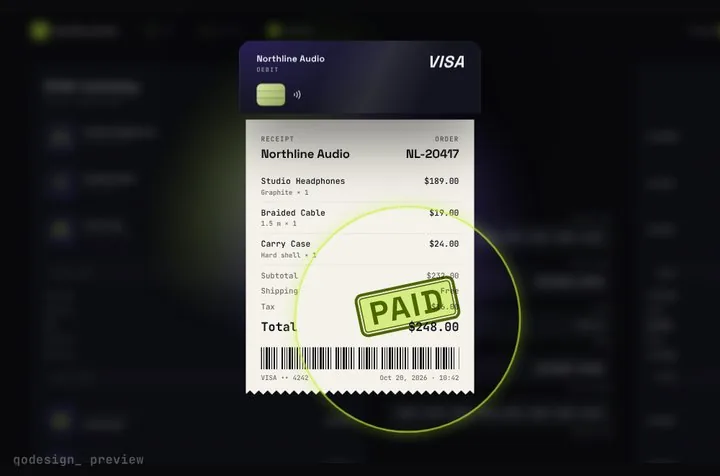
Your card becomes the receipt: it splits, unrolls into paper and gets stamped PAID.
npx shadcn@latest add https://teodoravadani.github.io/qodesign-free/r/toast-stack.jsonnpx shadcn@latest add https://teodoravadani.github.io/qodesign-free/r/pricing-switch.jsonnpx shadcn@latest add https://teodoravadani.github.io/qodesign-free/r/upload-dropzone.jsonnpx shadcn@latest add https://teodoravadani.github.io/qodesign-free/r/day-night-toggle.jsonnpx shadcn@latest add https://teodoravadani.github.io/qodesign-free/r/orbit-dashboard.jsonnpx shadcn@latest add https://teodoravadani.github.io/qodesign-free/r/ledger-dashboard.jsonPaid pieces start at $3 each, or get every one with the Shelf for $29, once.
All comparisons, with prices read on each library's own site.
Aider's docs suggest a small markdown file like CONVENTIONS.md with your rules, loaded with /read CONVENTIONS.md or aider --read CONVENTIONS.md so it stays read-only. To load it every session, add read: CONVENTIONS.md to .aider.conf.yml.
No. Aider is open source under Apache 2.0, and you pay your model provider through your own API key. The pieces are separate: six are free, and paid pieces are a one-time purchase.
Yes. Six pieces are free under the MIT licence and install with one shadcn command. The Day / Night toggle is also on the free code page.
Yes. The licence covers personal, commercial and client projects. You can't resell the source code itself.