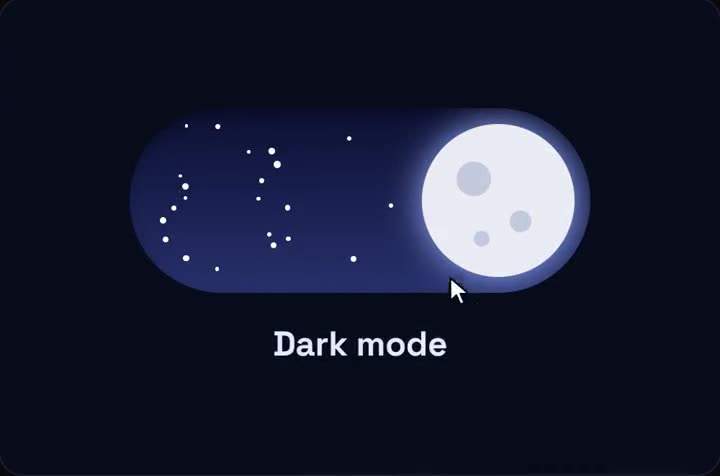
Day / night theme toggle
The sun rolls into a moon, clouds fall away and stars drop in. Free.
Use it in Next.js
"use client";
import { DayNightToggle } from "@/components/day-night-toggle/DayNightToggle";

export default function ThemeSwitch() {
  return <DayNightToggle width={120} onChange={(night) => document.documentElement.classList.toggle("dark", night)} />;
}
Install
- One command
npx shadcn@latest add https://teodoravadani.github.io/qodesign-free/r/day-night-toggle.json - Or ask your AIPaste PROMPT.md into Cursor, Lovable or v0.
Props
- onChange
- called with true at night
- defaultNight
- start dark
- width
- size in px
- label
- accessible name
Questions
Does the toggle work in Next.js?
Yes, as a client component. Keep "use client" at the top of the file that renders it, as in the snippet above. App Router and Pages Router both work.
Does it work with next-themes?
Yes. Call setTheme inside onChange.
Is it really free?
Yes. MIT licence, no email needed for the registry install.
Can Cursor or v0 add it for me?
Yes. The folder has a PROMPT.md. Paste it into Cursor, Lovable, v0 or Claude Code.