NEW
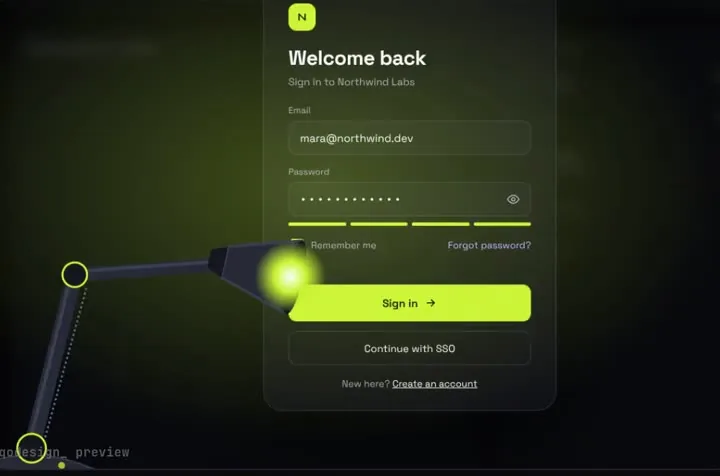
A sign-in page in the dark: a desk lamp finds each field and floods the screen when you sign in.
Commit a piece to your GitHub repo, give Jules one task that points at its PROMPT.md, and review the pull request with the motion intact.
Jules is Google's asynchronous coding agent: you connect a GitHub account, pick repos, and each task runs in a short-lived Ubuntu VM that clones the repo, installs dependencies and runs tests, with Node.js 22, npm, pnpm and yarn preinstalled. Its getting-started guide has a step for including an AGENTS.md file, and its environment docs say Jules also reads agents.md or your README for setup hints; a setup script can be added for anything more. Plans on Oct 21 2026: the free plan allows 15 tasks a day (rolling 24 hours) and 3 at a time; Jules in Pro (100 a day, 15 concurrent) and Jules in Ultra (300 a day, 60 concurrent) come with the Google AI Pro and Ultra subscriptions, which their docs say are available only for individual @gmail.com accounts for now. Source: Jules docs: getting started, Jules docs: environment setup, Jules docs: usage and limits, Jules docs: FAQ, jules.google.
A sign-in page in the dark: a desk lamp finds each field and floods the screen when you sign in.
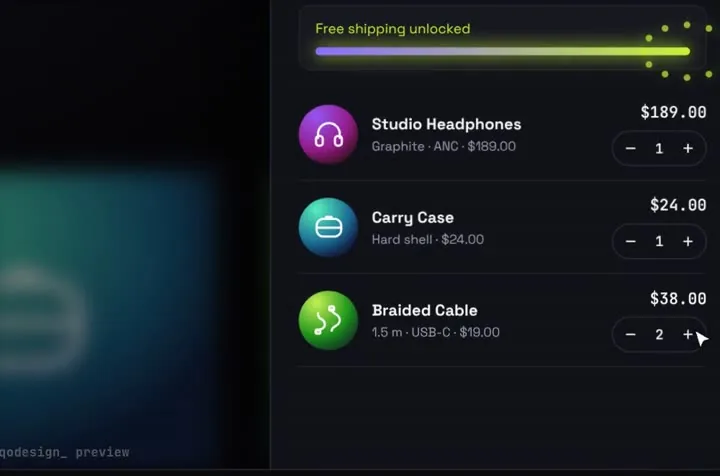
Products fly into the cart as discs; open it and they unfold into line items.
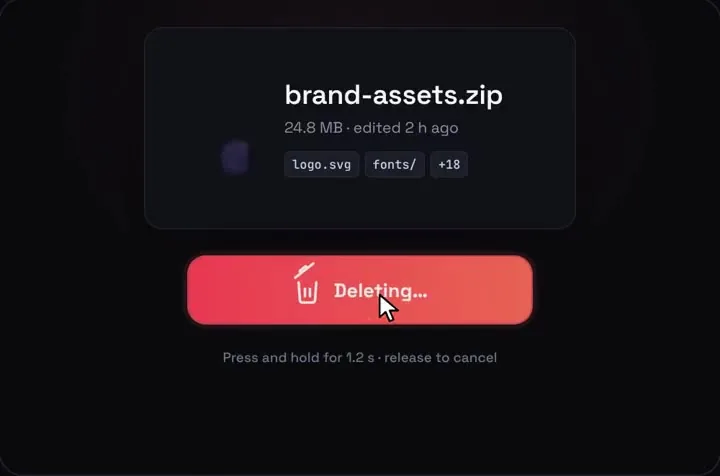
A delete button you press and hold, then the file crumples into the bin.
npx shadcn@latest add https://teodoravadani.github.io/qodesign-free/r/toast-stack.jsonnpx shadcn@latest add https://teodoravadani.github.io/qodesign-free/r/pricing-switch.jsonnpx shadcn@latest add https://teodoravadani.github.io/qodesign-free/r/upload-dropzone.jsonnpx shadcn@latest add https://teodoravadani.github.io/qodesign-free/r/day-night-toggle.jsonnpx shadcn@latest add https://teodoravadani.github.io/qodesign-free/r/orbit-dashboard.jsonnpx shadcn@latest add https://teodoravadani.github.io/qodesign-free/r/ledger-dashboard.jsonPaid pieces start at $3 each, or get every one with the Shelf for $29, once.
All comparisons, with prices read on each library's own site.
Yes. Jules' getting-started guide includes a step for adding an AGENTS.md file, and its environment docs say it reads agents.md or your README for hints when it sets up the VM.
Yes. Each task runs in a VM with Node.js, npm, pnpm and yarn preinstalled, and Jules' docs say it installs dependencies and runs tests there. If your setup is unusual, add a setup script in the environment settings.
Yes. Six pieces are free under the MIT licence and install with one shadcn command. The Day / Night toggle is also on the free code page.
Yes. The licence covers personal, commercial and client projects. You can't resell the source code itself.