NEW
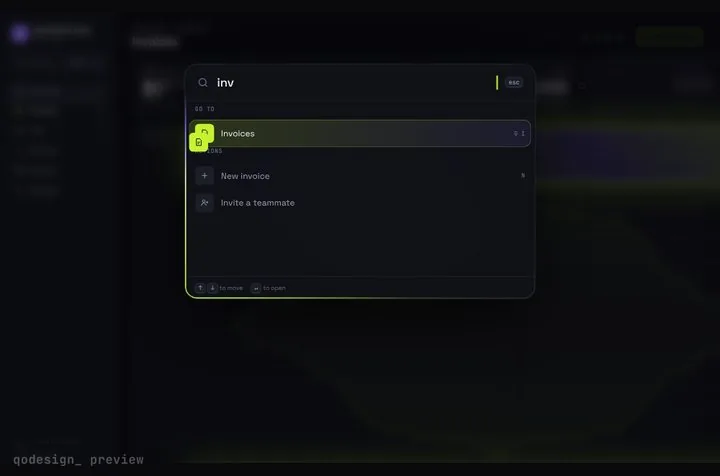
A whole SaaS app you drive from ⌘K: rows stretch into pages, coins fly into the total.
Windsurf is now called Devin Desktop. Same editor, same agent. Unzip a piece into your repo, paste the prompt, and the agent wires it in.
Its docs say Windsurf became Devin Desktop on June 2, 2026: same IDE, same features, plans unchanged. The agent indexes the whole local codebase, so once the download is in your repo it can read every file the prompt mentions. Source: Devin Desktop FAQ, Context awareness, Previews.
A whole SaaS app you drive from ⌘K: rows stretch into pages, coins fly into the total.
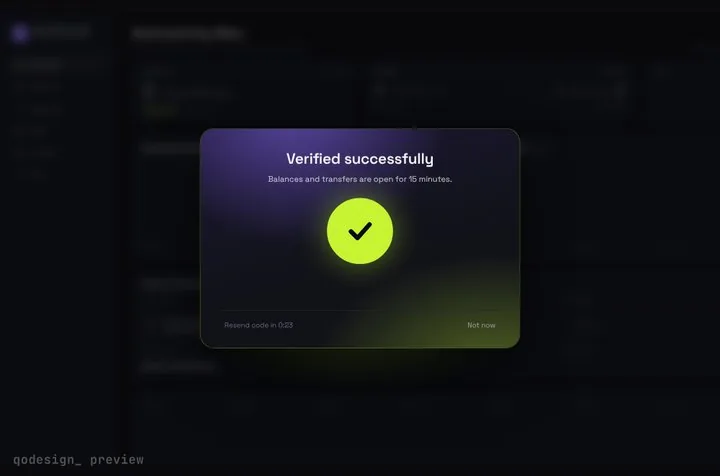
Arcs spin around six chunky cells, merge into one check, and the blurred dashboard behind them unlocks.
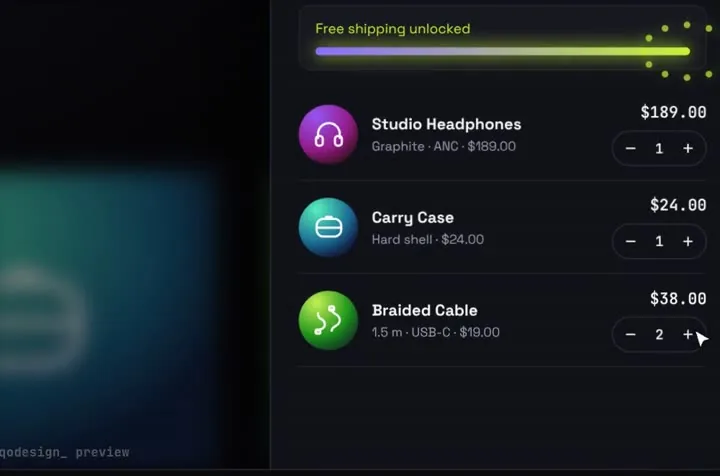
Products fly into the cart as discs; open it and they unfold into line items.
Free pieces also ship as the qodesign-free npm package. Install it, then copy the file below.
npm i qodesign-free framer-motionapp/layout.tsx
// app/layout.tsx: mount the stack once, every page can fire toasts
import type { ReactNode } from "react";
import { Toaster } from "qodesign-free/toast-stack";

export default function RootLayout({ children }: { children: ReactNode }) {
  return (
    <html lang="en">
      <body>
        {children}
        <Toaster />
      </body>
    </html>
  );
}
components/save-button.tsx
"use client";
// components/save-button.tsx: any client component can call toast()
import { toast } from "qodesign-free/toast-stack";

export function SaveButton({ save }: { save: () => Promise<void> }) {
  return (
    <button
      onClick={() =>
        toast.promise(save(), {
          loading: { title: "Saving..." },
          success: () => ({ title: "Saved" }),
          error: () => ({ title: "Couldn't save", description: "Try again in a moment." }),
        })
      }
    >
      Save
    </button>
  );
}
The layout stays a Server Component. The toast stack and the button are client code, so only they ship to the browser.
Paid pieces start at $3 each, or get every one with the Shelf for $29, once.
All comparisons, with prices read on each library's own site.
No. The steps are the same in both: the download goes in your repo, the prompt goes in the agent panel.
No. The Devin Desktop FAQ says you can keep using it with local agents only, and that's all this needs.
Yes. Six pieces are free under the MIT licence and install with one shadcn command. The Day / Night toggle is also on the free code page.
Yes. The licence covers personal, commercial and client projects. You can't resell the source code itself.