NEW
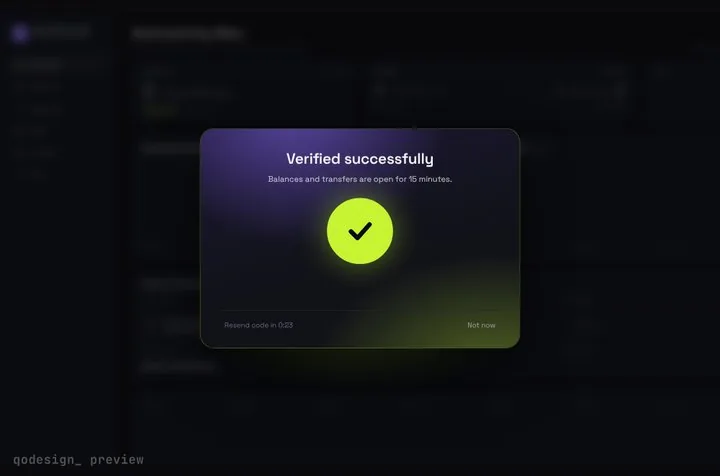
Arcs spin around six chunky cells, merge into one check, and the blurred dashboard behind them unlocks.
Type @ in Zed's Agent Panel, pick the piece's PROMPT.md, and the agent copies the files, installs Framer Motion and wires your handlers.
Zed's Agent Panel runs an agent that can read, write and run code in your project. You add context by typing @ to mention files, folders, symbols or URLs. For project instructions Zed uses the first file it finds from a list that starts with .rules, .cursorrules, .windsurfrules and .clinerules and also covers AGENTS.md and CLAUDE.md. The same panel can host other agents, such as Claude, Codex and Copilot. Source: Zed docs: Agent Panel, Zed docs: instructions (AGENTS.md and compatible files), Zed docs: external agents.
Arcs spin around six chunky cells, merge into one check, and the blurred dashboard behind them unlocks.
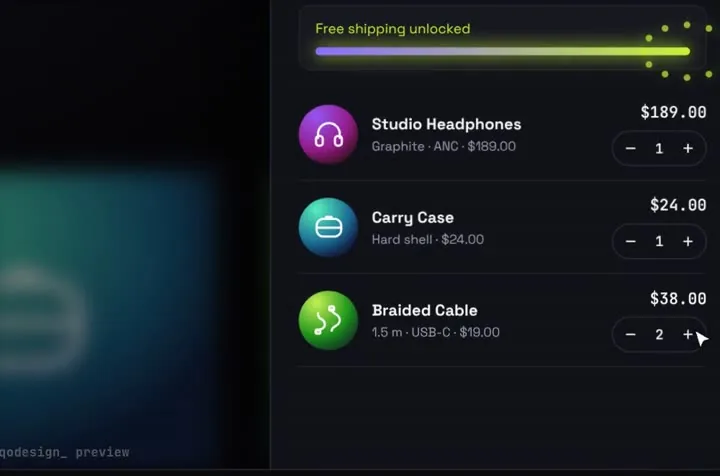
Products fly into the cart as discs; open it and they unfold into line items.
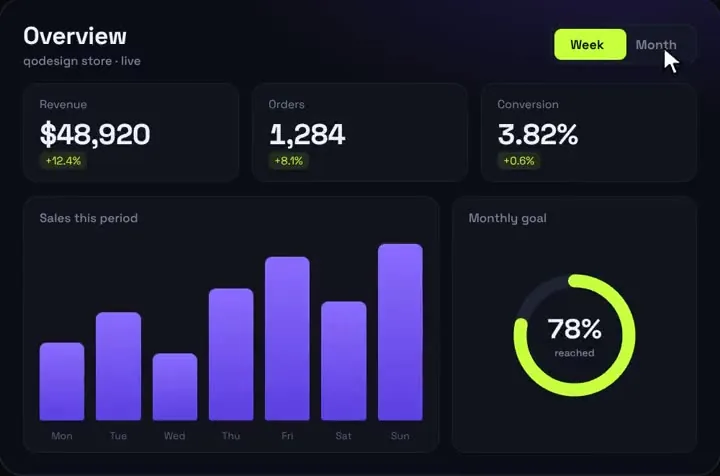
A dark analytics dashboard where every number counts up live.
Free pieces also ship as the qodesign-free npm package. Install it, then copy the file below.
npm i qodesign-free framer-motionapp/desk/page.tsx
"use client";
import LedgerDashboard from "qodesign-free/ledger-dashboard";

// A trading-desk prototype. The prices are simulated until you wire in your own feed.
export default function DeskPage() {
  return (
    <main className="min-h-dvh">
      <LedgerDashboard autoplayDemo={false} />
    </main>
  );
}
Ledger runs on simulated prices out of the box. It takes a store prop for your own feed, but the npm build doesn't export the store class yet, so for live data install the source from the registry and edit it there.
Paid pieces start at $3 each, or get every one with the Shelf for $29, once.
All comparisons, with prices read on each library's own site.
No. Any of them can read PROMPT.md once you mention it. External agents read their own instruction files, as Zed's docs point out, so put the motion rule where that agent looks.
Yes. .cursorrules is on Zed's list of project instruction files. Zed uses only the first file it finds in that list, so if you also have a .rules file, that one wins.
Yes. Six pieces are free under the MIT licence and install with one shadcn command. The Day / Night toggle is also on the free code page.
Yes. The licence covers personal, commercial and client projects. You can't resell the source code itself.