NEW
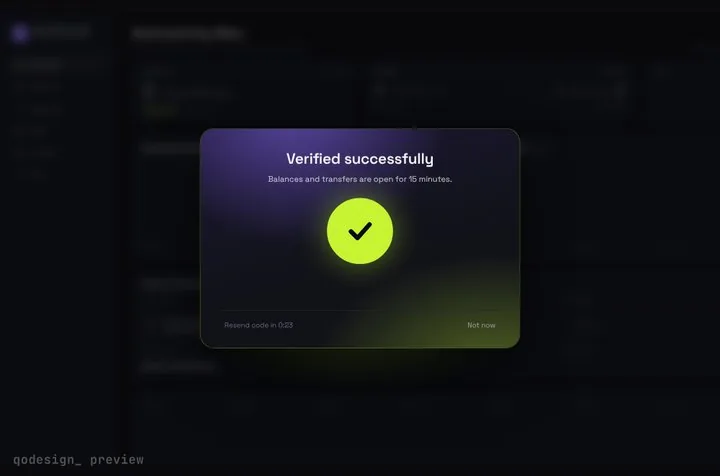
Arcs spin around six chunky cells, merge into one check, and the blurred dashboard behind them unlocks.
Drag the piece's folder into Copilot Chat, paste the prompt, and agent mode copies the files, installs Framer Motion and wires your handlers.
In VS Code, Copilot's agent mode edits several files and runs terminal commands. You add files to the chat with # mentions or by dragging them in from the Explorer, and Copilot reads project instructions from .github/copilot-instructions.md and AGENTS.md. Our downloads are plain React + TypeScript files with a PROMPT.md, which is the shape it handles best. Source: VS Code: add context to chat, VS Code: custom instructions, GitHub Docs: repository custom instructions, VS Code blog: Copilot agent mode.
Arcs spin around six chunky cells, merge into one check, and the blurred dashboard behind them unlocks.
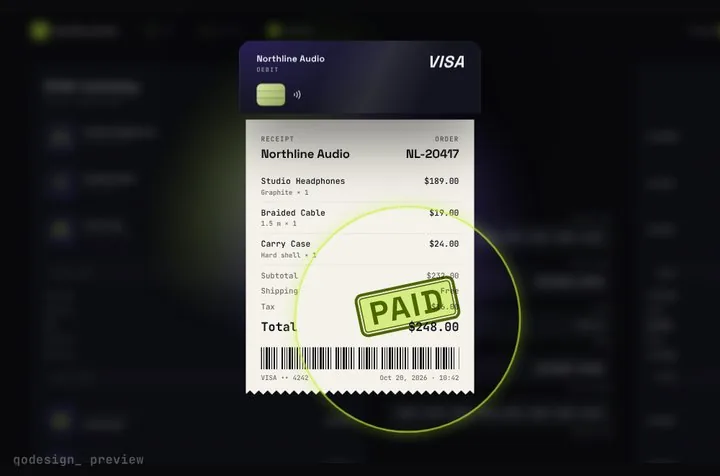
Your card becomes the receipt: it splits, unrolls into paper and gets stamped PAID.
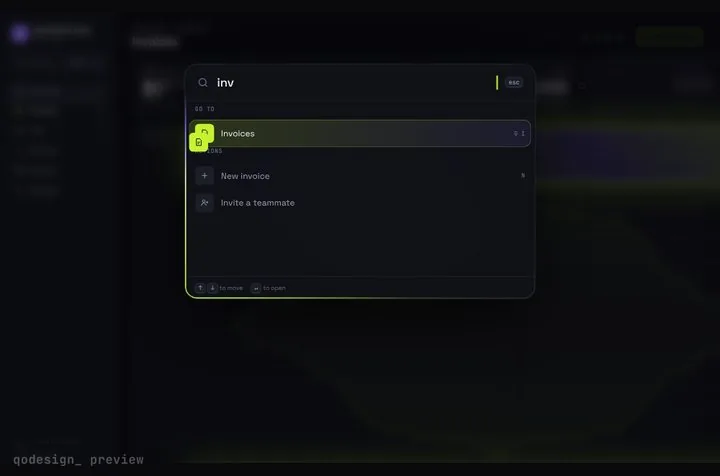
A whole SaaS app you drive from ⌘K: rows stretch into pages, coins fly into the total.
Free pieces also ship as the qodesign-free npm package. Install it, then copy the file below.
npm i qodesign-free framer-motionapp/upload/page.tsx
"use client";
import UploadDropzone, { type Uploader } from "qodesign-free/upload-dropzone";

// XMLHttpRequest reports upload progress; fetch doesn't yet.
const upload: Uploader = (file, onProgress, signal) =>
  new Promise((resolve, reject) => {
    const xhr = new XMLHttpRequest();
    const body = new FormData();
    body.append("file", file);
    xhr.upload.onprogress = (e) => e.lengthComputable && onProgress((e.loaded / e.total) * 100);
    xhr.onload = () => (xhr.status < 300 ? resolve() : reject(new Error(xhr.responseText || "Upload failed")));
    xhr.onerror = () => reject(new Error("Network error"));
    signal.addEventListener("abort", () => xhr.abort());
    xhr.open("POST", "/api/upload");
    xhr.send(body);
  });

export default function UploadPage() {
  return (
    <main className="mx-auto max-w-xl px-4 py-16">
      <UploadDropzone upload={upload} accept="image/*,.pdf" maxSize={10 * 1024 * 1024} hint="Images or PDFs, up to 10 MB" />
    </main>
  );
}
app/api/upload/route.ts
import { NextResponse } from "next/server";

export async function POST(request: Request) {
  const data = await request.formData();
  const file = data.get("file");
  if (!(file instanceof File)) return new NextResponse("No file", { status: 400 });

  // Save it wherever you keep files (S3, R2, Supabase Storage...). Here we only read it.
  const bytes = await file.arrayBuffer();
  return NextResponse.json({ name: file.name, size: bytes.byteLength });
}
The dropzone calls your uploader once per file and shows the percentage you report. Reject the promise and that file gets a Retry button.
Paid pieces start at $3 each, or get every one with the Shelf for $29, once.
All comparisons, with prices read on each library's own site.
No. The steps only use chat and file context. Which models and how many requests you get depends on your Copilot plan, not on the components.
It can if you ask it to restyle. PROMPT.md tells the agent to keep timings and easing, and a line in copilot-instructions.md keeps that rule for later requests.
Yes. Six pieces are free under the MIT licence and install with one shadcn command. The Day / Night toggle is also on the free code page.
Yes. The licence covers personal, commercial and client projects. You can't resell the source code itself.