NEW
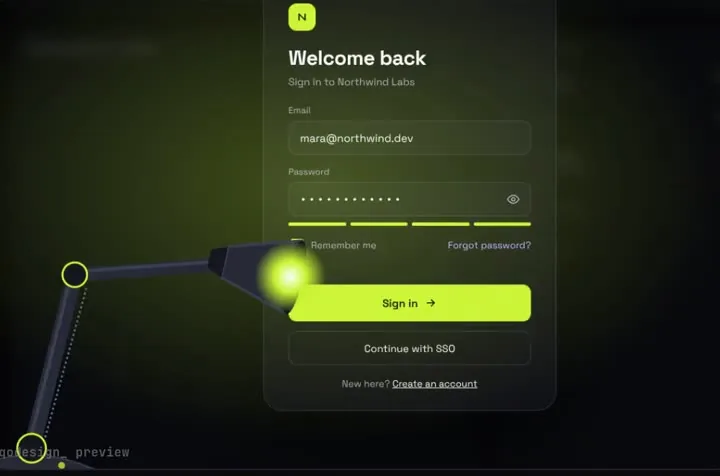
A sign-in page in the dark: a desk lamp finds each field and floods the screen when you sign in.
Put a piece in your repo, let the Warp Agent read its PROMPT.md, and keep the timings safe with one line in AGENTS.md.
Warp is a terminal with a built-in coding agent. The Warp Agent runs commands in a real terminal, reads the output to decide its next step, and asks before it runs commands or edits files. You can use it in the Warp app, in any terminal through the Warp Agent CLI (the warp command), or as a cloud agent. Project rules live in an AGENTS.md file (WARP.md still works) in the repo root or in subfolders; Warp applies the root file and the one in your current folder, and the filename has to be in capitals. Pricing on Oct 21 2026: Free is $0 a month, and Build is $20 a month with $20 of agent usage included. Source: Warp docs: agents overview, Warp docs: rules, Warp docs: Agent CLI quickstart, Warp pricing.
A sign-in page in the dark: a desk lamp finds each field and floods the screen when you sign in.
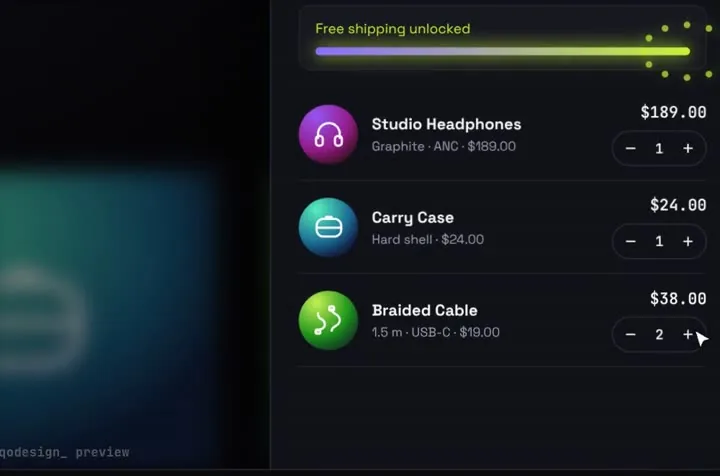
Products fly into the cart as discs; open it and they unfold into line items.
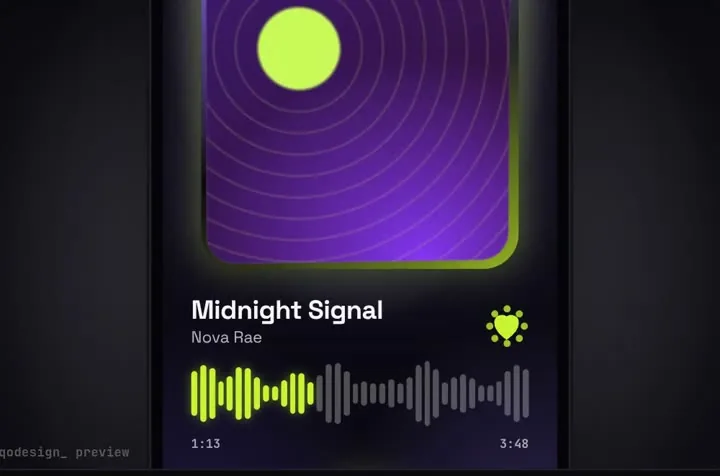
A glass drop magnifies the tab under it, stretches between tabs and bursts into the player.
npx shadcn@latest add https://teodoravadani.github.io/qodesign-free/r/toast-stack.jsonnpx shadcn@latest add https://teodoravadani.github.io/qodesign-free/r/pricing-switch.jsonnpx shadcn@latest add https://teodoravadani.github.io/qodesign-free/r/upload-dropzone.jsonnpx shadcn@latest add https://teodoravadani.github.io/qodesign-free/r/day-night-toggle.jsonnpx shadcn@latest add https://teodoravadani.github.io/qodesign-free/r/orbit-dashboard.jsonnpx shadcn@latest add https://teodoravadani.github.io/qodesign-free/r/ledger-dashboard.jsonPaid pieces start at $3 each, or get every one with the Shelf for $29, once.
All comparisons, with prices read on each library's own site.
Yes. Warp's rules docs say project rules live in AGENTS.md (or WARP.md for older projects), in the repo root or subfolders, and that Warp applies the root file and the current folder's file automatically. The name must be all capitals.
No. The pieces don't care which plan you're on. Warp's pricing page on Oct 21 2026 lists a Free plan at $0 a month and Build at $20 a month with $20 of agent usage included.
Yes. Six pieces are free under the MIT licence and install with one shadcn command. The Day / Night toggle is also on the free code page.
Yes. The licence covers personal, commercial and client projects. You can't resell the source code itself.