NEW
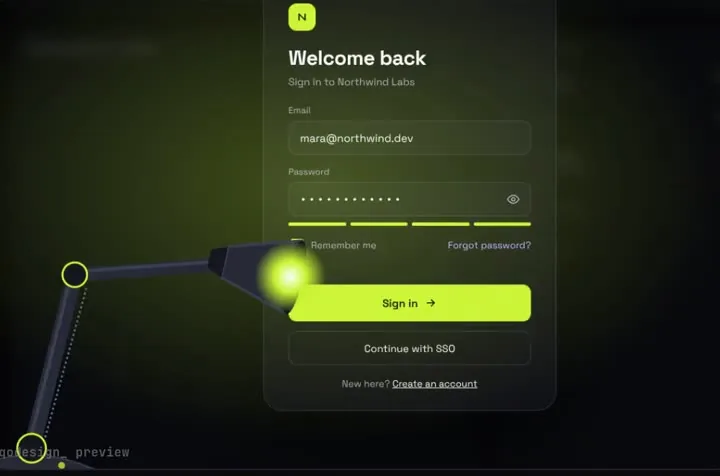
A sign-in page in the dark: a desk lamp finds each field and floods the screen when you sign in.
Mention the piece's PROMPT.md in Cline, approve the plan, and the login, checkout or tab bar lands in your app with its timings intact.
Cline is an open-source coding agent (Apache 2.0) that runs in VS Code, as a desktop app and as a CLI. You hand it files with @/path mentions, and it reads project rules from .clinerules/, .cursorrules, .windsurfrules and AGENTS.md. Every paid download ships a PROMPT.md, so one mention gives Cline the whole install plan. Source: Cline docs: adding context with @ mentions, Cline docs: rules, Cline on GitHub (Apache 2.0).
A sign-in page in the dark: a desk lamp finds each field and floods the screen when you sign in.
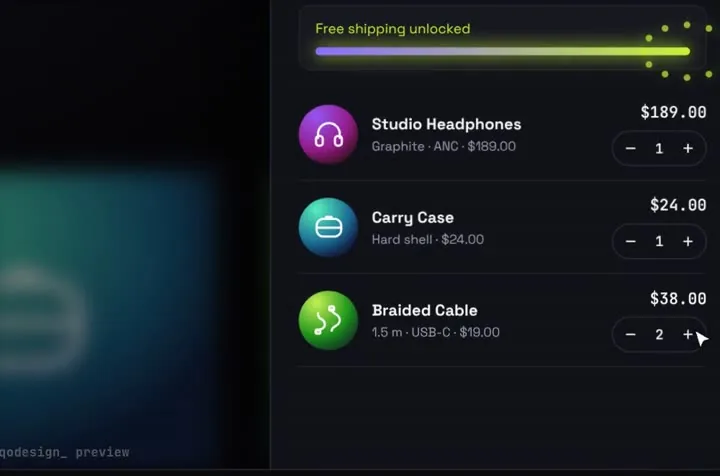
Products fly into the cart as discs; open it and they unfold into line items.
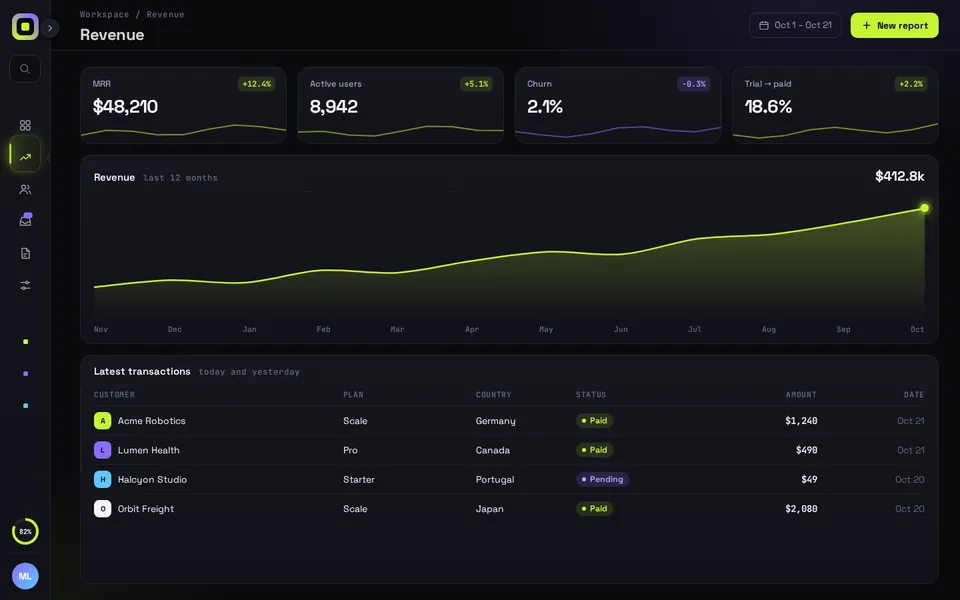
Collapse the sidebar to an icon rail and the whole app reflows with it on a spring.
Free pieces also ship as the qodesign-free npm package. Install it, then copy the file below.
npm i qodesign-free framer-motionapp/pricing/page.tsx
"use client";
import { useRouter } from "next/navigation";
import PricingSwitch, { type Plan } from "qodesign-free/pricing-switch";

const plans: Plan[] = [
  { id: "hobby", name: "Hobby", description: "For side projects.", monthly: 0, yearly: 0, cta: "Start free", features: ["1 project", "Community support"] },
  { id: "pro", name: "Pro", description: "For a product with paying users.", monthly: 19, yearly: 15, cta: "Go Pro", features: ["Unlimited projects", "Email support", "Custom domain"], featured: true },
];

export default function PricingPage() {
  const router = useRouter();

  return (
    <main className="mx-auto max-w-4xl px-4 py-16">
      <PricingSwitch
        plans={plans}
        header={<h1 className="text-3xl font-semibold">Pricing</h1>}
        yearlyBadge="2 months free"
        onSelect={(plan, yearly) => router.push(`/signup?plan=${plan.id}&billing=${yearly ? "yearly" : "monthly"}`)}
      />
    </main>
  );
}
The switch owns the monthly/yearly state unless you pass yearly yourself. onSelect gets the plan and the billing period, so the sign-up page knows what was picked.
Paid pieces start at $3 each, or get every one with the Shelf for $29, once.
All comparisons, with prices read on each library's own site.
Any model you already use with Cline. PROMPT.md is plain text with file paths and props, so it doesn't depend on a particular model.
Cline's docs list .cursorrules and AGENTS.md as rule files it detects. qodesign-free has an AGENTS.md at its root that points to the rules.
Yes. Six pieces are free under the MIT licence and install with one shadcn command. The Day / Night toggle is also on the free code page.
Yes. The licence covers personal, commercial and client projects. You can't resell the source code itself.