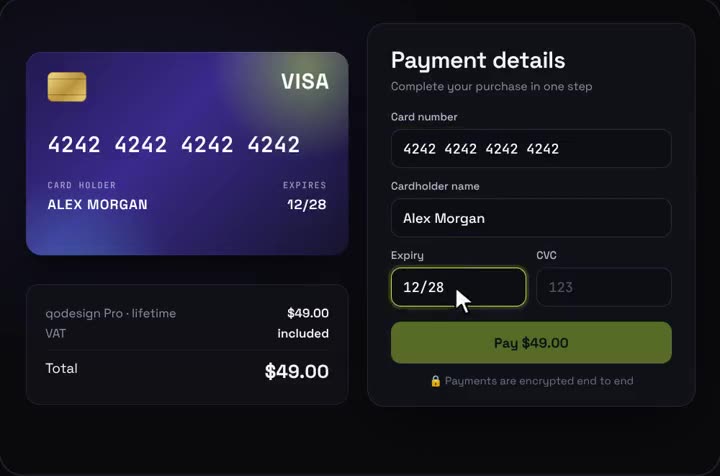
Use it in Next.js
"use client";
import { CardCheckout } from "@/components/CardCheckout";

export default function Pay() {
  return <CardCheckout amount={49} currency="USD" productName="Pro plan" onPay={(details) => charge(details)} />;
}
Install
- Copy from the zipPut
react/src/componentsintosrc/, thennpm i framer-motion. - Or ask your AIPaste PROMPT.md into Cursor, Lovable or v0.
Props
- amount / currency
- price and format
- onPay
- valid card details, return a promise
- cardColors
- front gradient
- accent
- button and glow
Questions
Does the card form work in Next.js?
Yes, as a client component. Keep "use client" at the top of the file that renders it, as in the snippet above. App Router and Pages Router both work.
Does it validate the card number?
Yes. It runs a Luhn check, detects the brand and checks expiry and CVC.
Can Cursor or v0 add it for me?
Yes. Each download has a PROMPT.md. Paste it into Cursor, Lovable, v0 or Claude Code and it fits the piece into your app.
Can I use it in client work?
Yes, in personal and client projects. You can't resell the code itself as a kit.